The reading desk for agent output.
Open a folder of Markdown. See what changed. Leave a note. Send it back to Claude Code or Codex.

Works with Claude Code, Codex, Cursor, and your own key.
The loop.
Open, see, note, send. The whole product is one loop.
Open a folder
See what changed
Leave a note
Send it back
one prompt back, with paths and line numbers
See what changed.
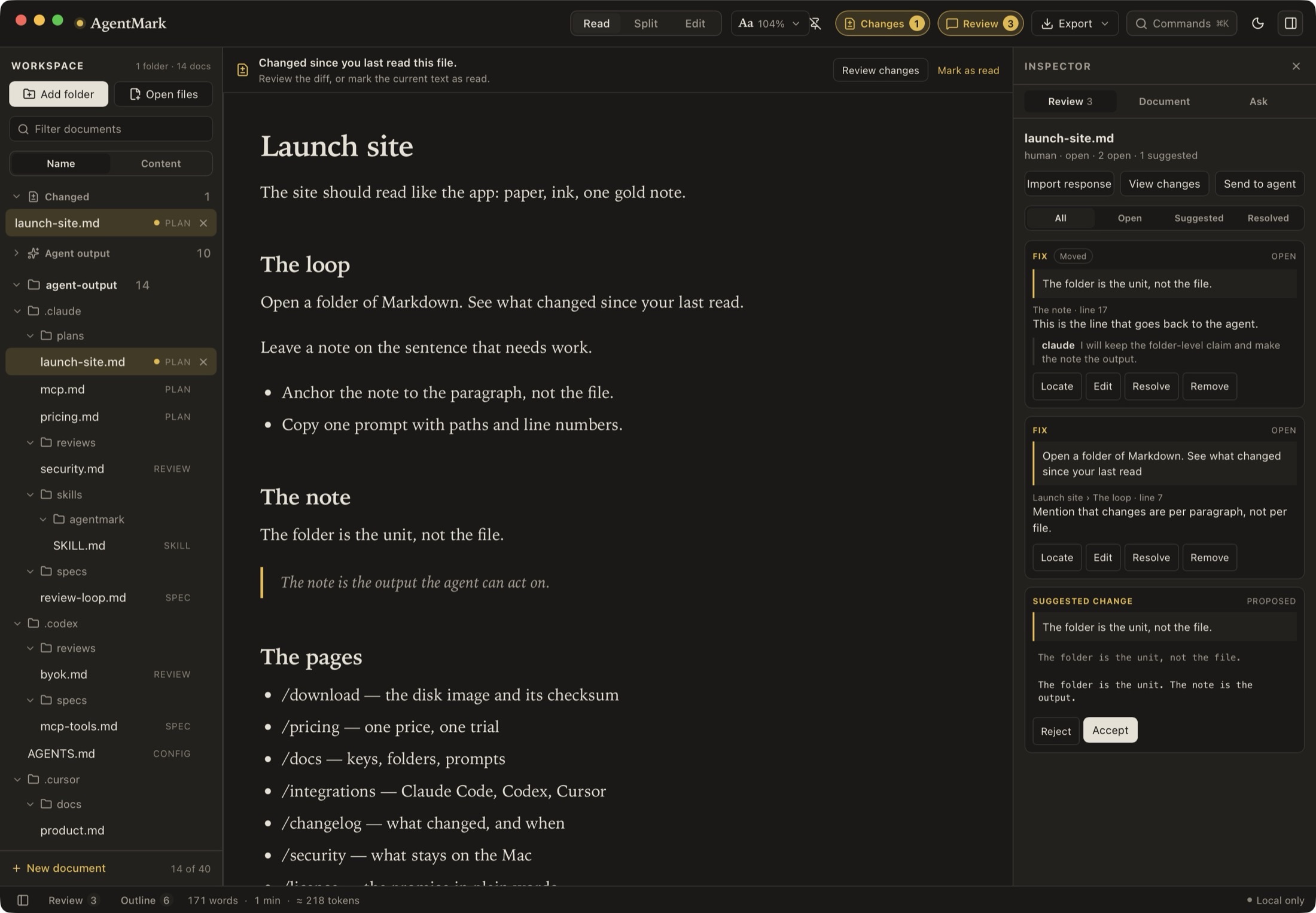
The folder is the unit. AgentMark opens the most recently changed document and marks what changed since your last read.
- Unified or side by side
- Only the blocks that changed
- Mark as read when you are done
-Open a folder of Markdown. See what changed.
+Open a folder of Markdown. See what changed since you last read.
Leave a note on the sentence that needs work.
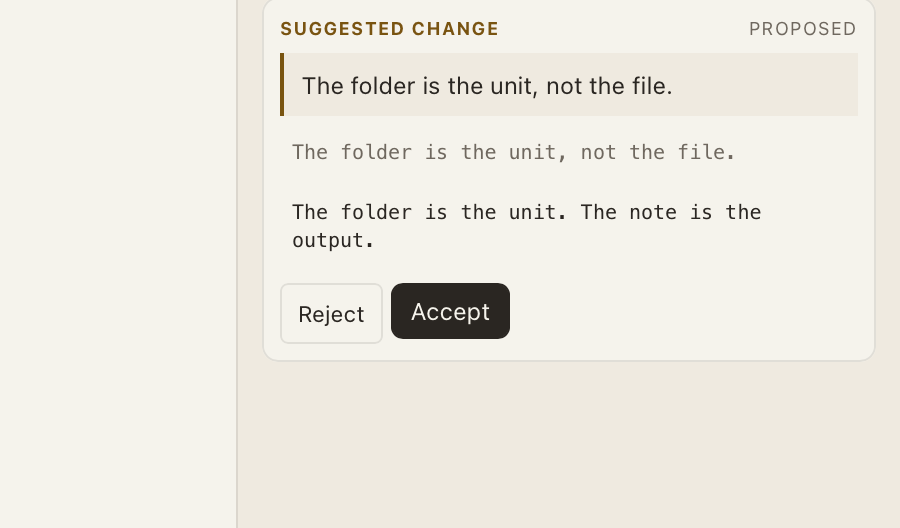
-The folder is the unit.
+The folder is the unit, not the file.
Review where it lives.
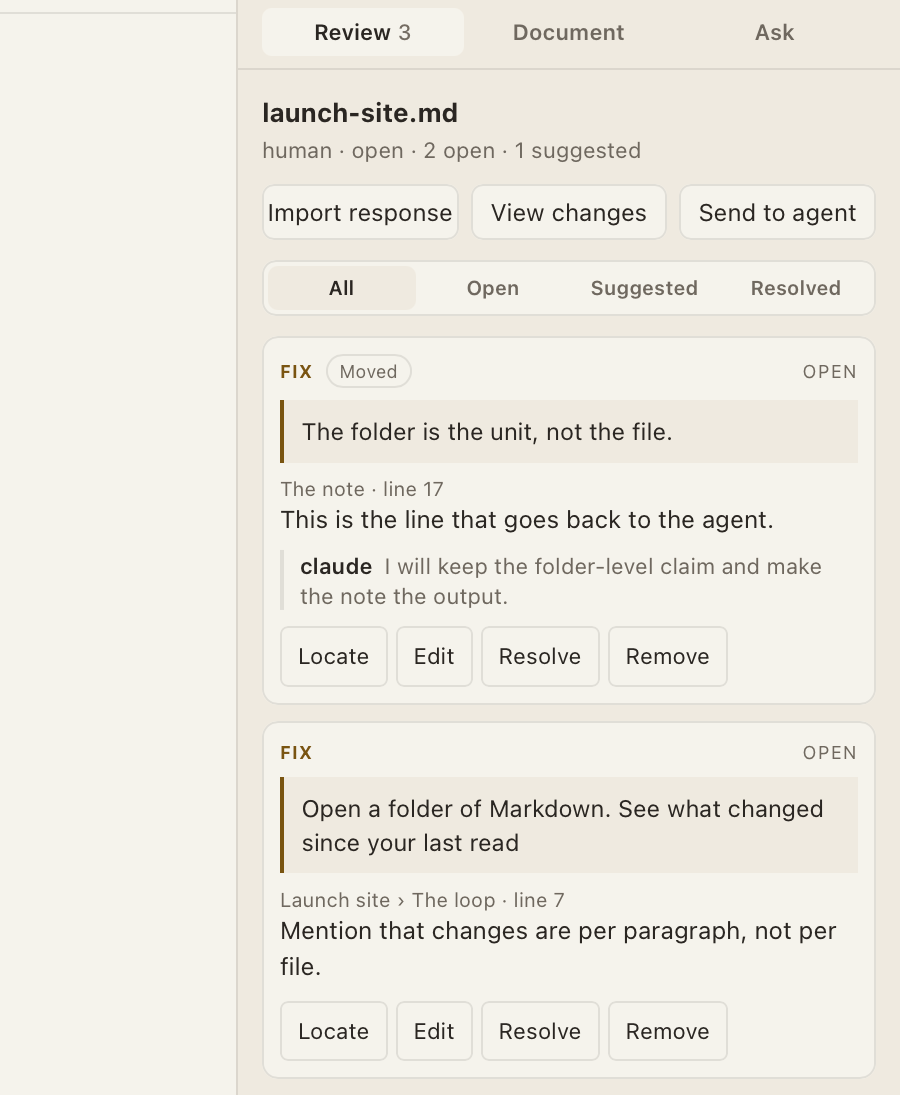
Select a sentence and leave a note. The note stays anchored to the paragraph, not the file, so the agent knows exactly what to fix.
- Anchored notes on the paragraph
- Every open note in one rail
- Import the agent's suggestions
This page is a document too.
Select any sentence in the card. The bar shows the exact prompt AgentMark would copy back to the agent.
Try the sentence about the folder.
notes/launch.md
The folder is the unit, not the file.
Leave a note on the sentence that needs work. The note travels back with the path and line number.
The note is the output the agent can act on.
Nothing leaves your Mac.
No account, no upload, no content telemetry. The folder stays where it is.
On your Mac
- Folder index
- Last-read snapshots
- Review notes
- Reading history
- API keys in Keychain
Only when you choose
- MCP reads from an agent you connect
- Provider calls with your own key
- Web export to a file you pick
Works with the agents you already use.
Claude Code, Codex, and Cursor connect over MCP: six read tools, and two writes that ask for your consent. BYOK talks to Anthropic, OpenAI, or a compatible endpoint.
Claude Code
Reads the active review and submits suggestions through a consent prompt.
Codex
Same MCP loop, same consent gate.
Cursor
Any MCP client can read the review and reply.
Your key
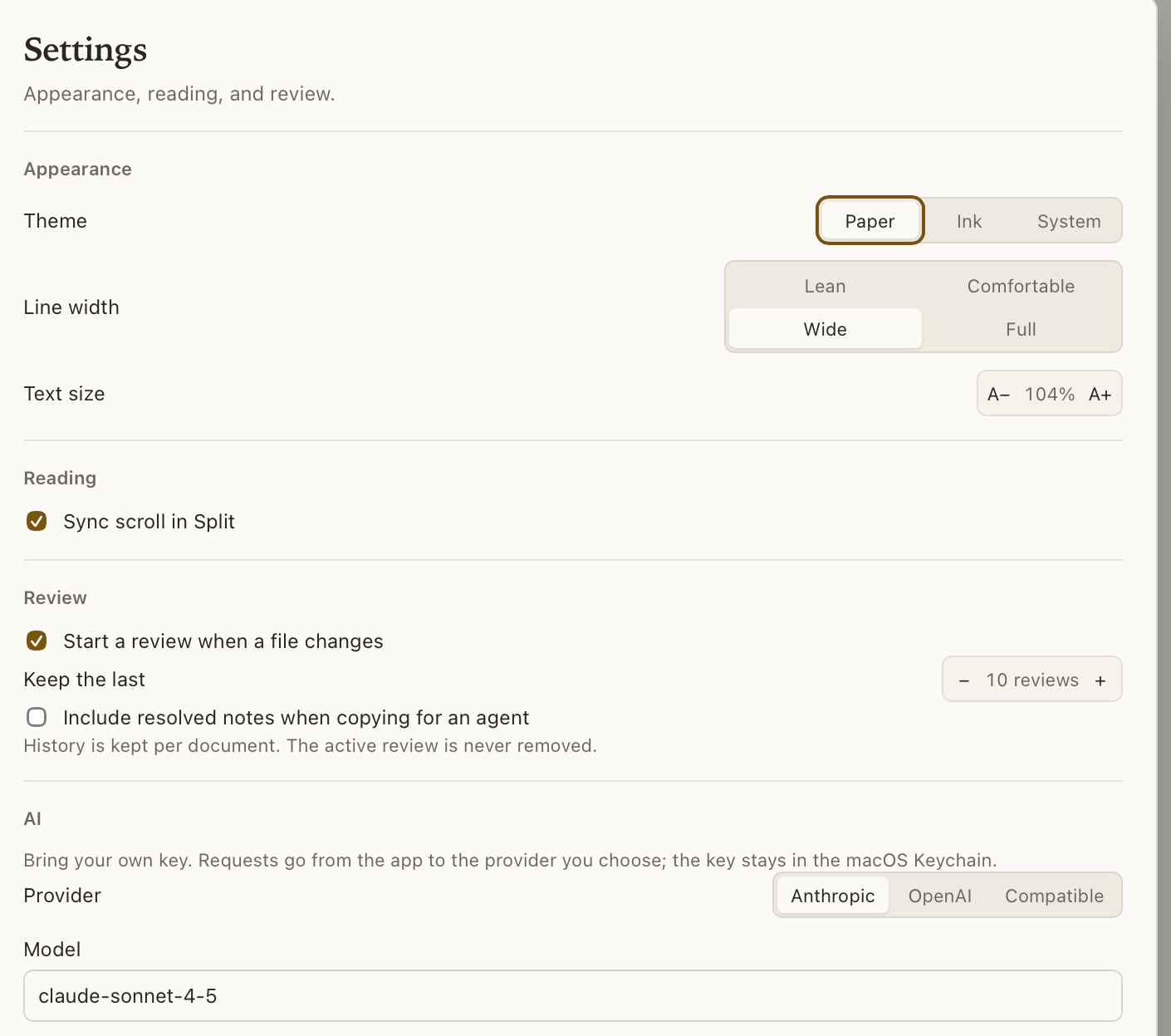
Anthropic, OpenAI, or a local compatible endpoint. Keys stay in macOS Keychain.
One price. No subscription.
What you get
- macOS 11 or later
- v1.x updates included
- Offline license verification
- No account, no upload
- Anthropic, OpenAI, or compatible key
MCP server and BYOK providers
Claude Code, Codex, Cursor, and your own key can now read the review and reply.
Review sessions and anchored notes
Select text, leave a note, send it back.
Folder watcher and block diff
Changed files become unread; the diff shows what the agent rewrote.
Does it upload my documents?
No. There is no account and no upload. The folder index, snapshots, and notes stay on your Mac.
Do I need an account?
No. Download, open a folder, start reading.
Is it a subscription?
No. $29 once, with a 14-day trial. The early bird is $19.
Does it work with ChatGPT or Claude web?
It reads Markdown in a folder, so save the reply to a file and open it. It does not connect to those chat apps.
Windows or Linux?
macOS 11 or later. There is no Windows or Linux build.
How are MCP and BYOK different?
MCP lets an agent pull the review. BYOK lets AgentMark call a provider with your key.
Is my key safe?
macOS Keychain. Never in the webview or the database.
Do I need an API key?
No. Reading, diffs, notes, and copy for agent work without one. A key is only for the Ask rail.
What does the license include?
One Mac, v1.x updates, and offline verification.
Read it before you accept it.
Download AgentMark, open a folder, and see the first diff.
Download for macOS